Day Program Documentation
Built for Group Services
One session, one tap, documentation that works the way Day Program actually works.
The Problem
Most platforms weren't built for group services
When teams run Day Program through software designed for 1:1 home visits, DSPs see fifteen individual visit cards for one group session, and have to document the same activity fifteen times. That's not a workflow problem. It's a design problem.
Repeated Entry
One group activity logged fifteen separate times, once per client, every single session.
DSP Time Wasted
Up to an hour of documentation after a six-hour session, mostly entering the same information over and over.
Compliance Risk
Inconsistent notes across a group session create billing discrepancies that create audit exposure.
The Solution
A session-first approach to group documentation
Cura OS treats the session itself as the primary object, not fifteen simultaneous home visits.
One session card for your DSPs
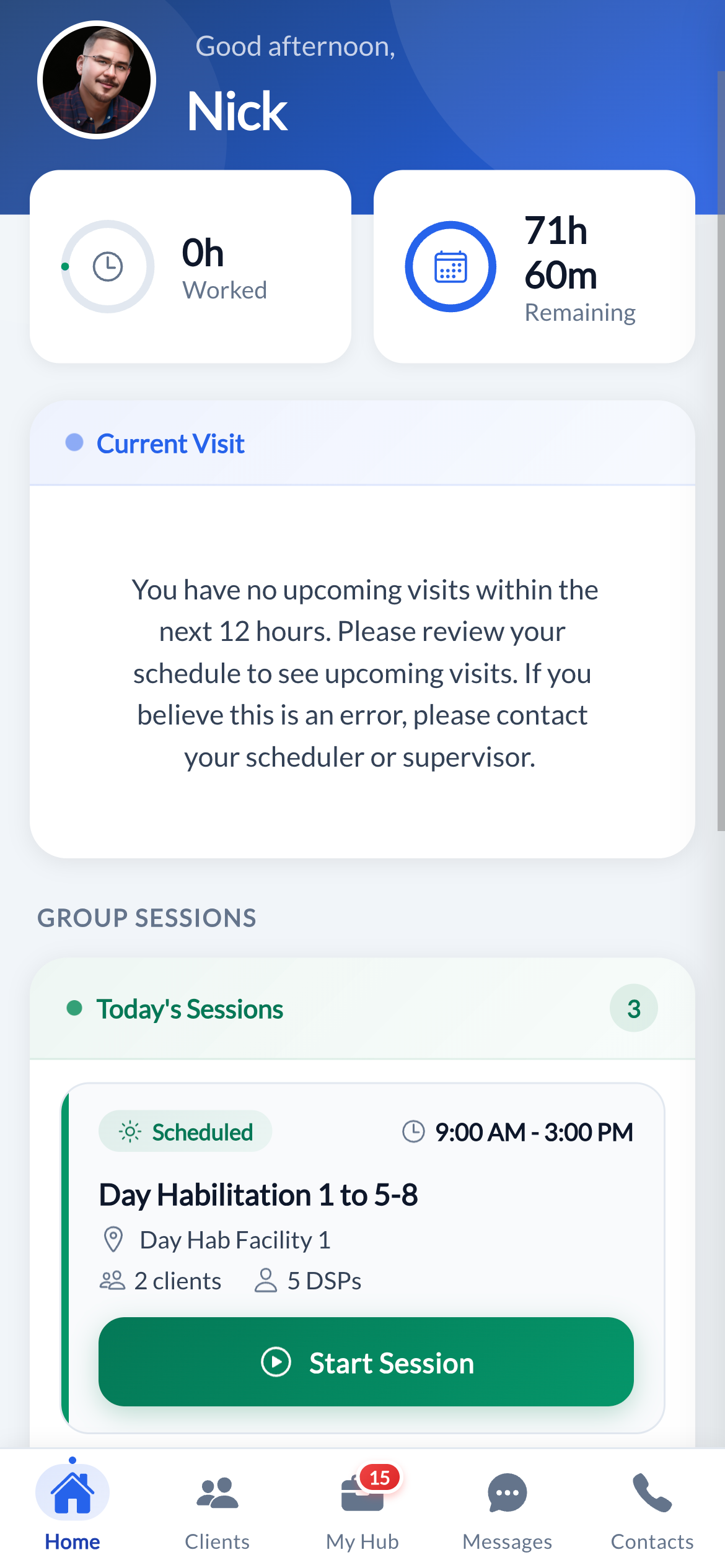
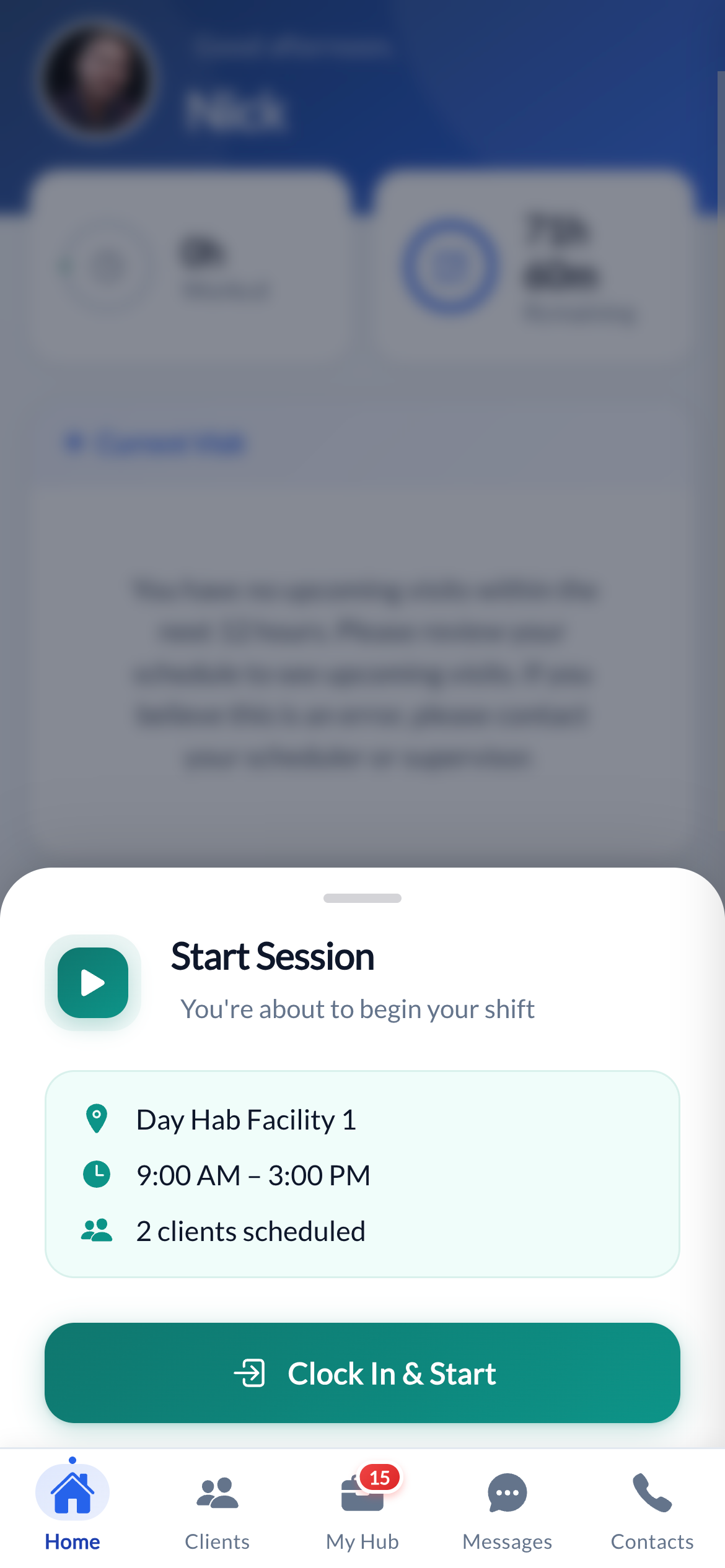
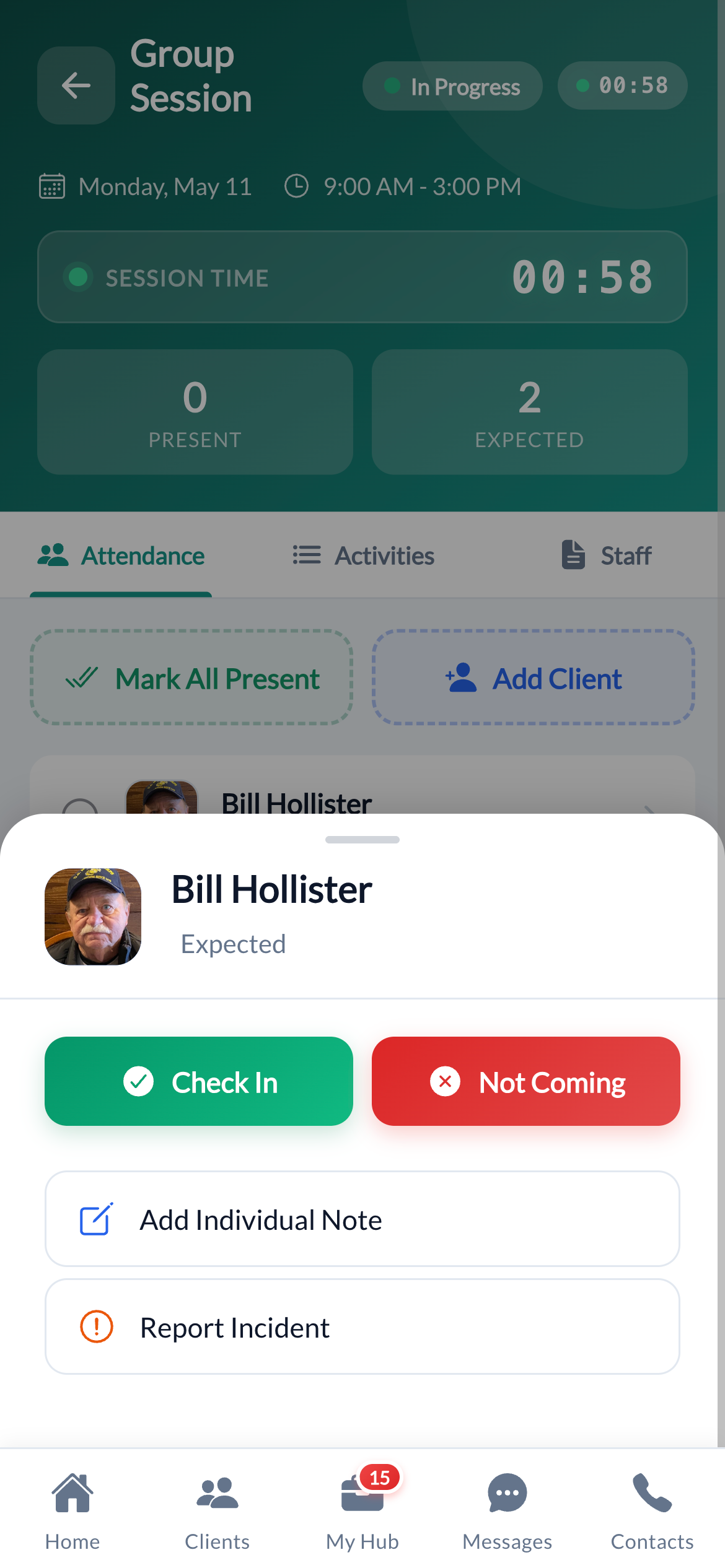
Instead of juggling individual client cards, DSPs see a single session card with location, time, clients, and staff all in one place. Tap it to manage the entire session.
Bulk attendance with exceptions
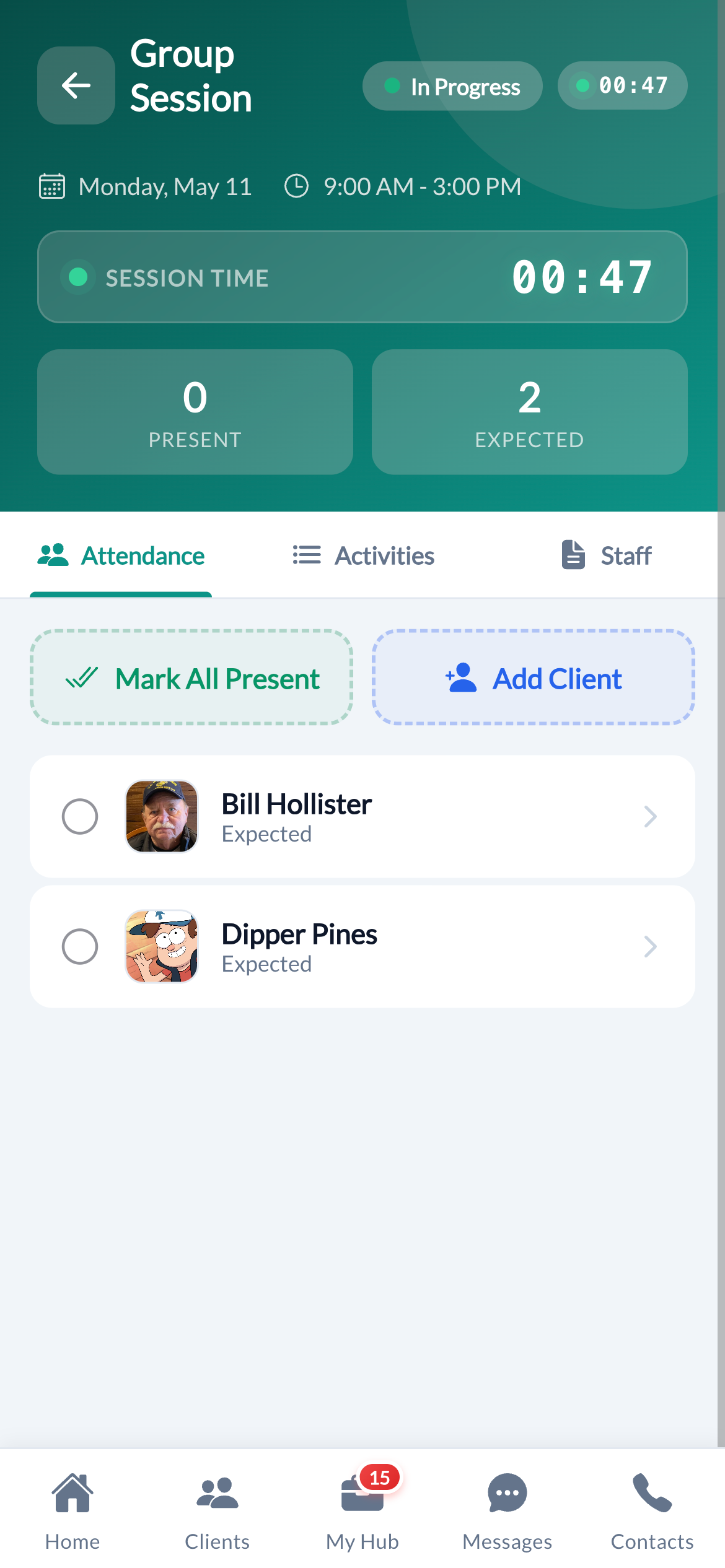
Mark everyone present in one tap. Then handle the two who arrived late and the one who called in sick, individually, quickly, with a reason. Two minutes, not fifteen.
Document once, records for everyone
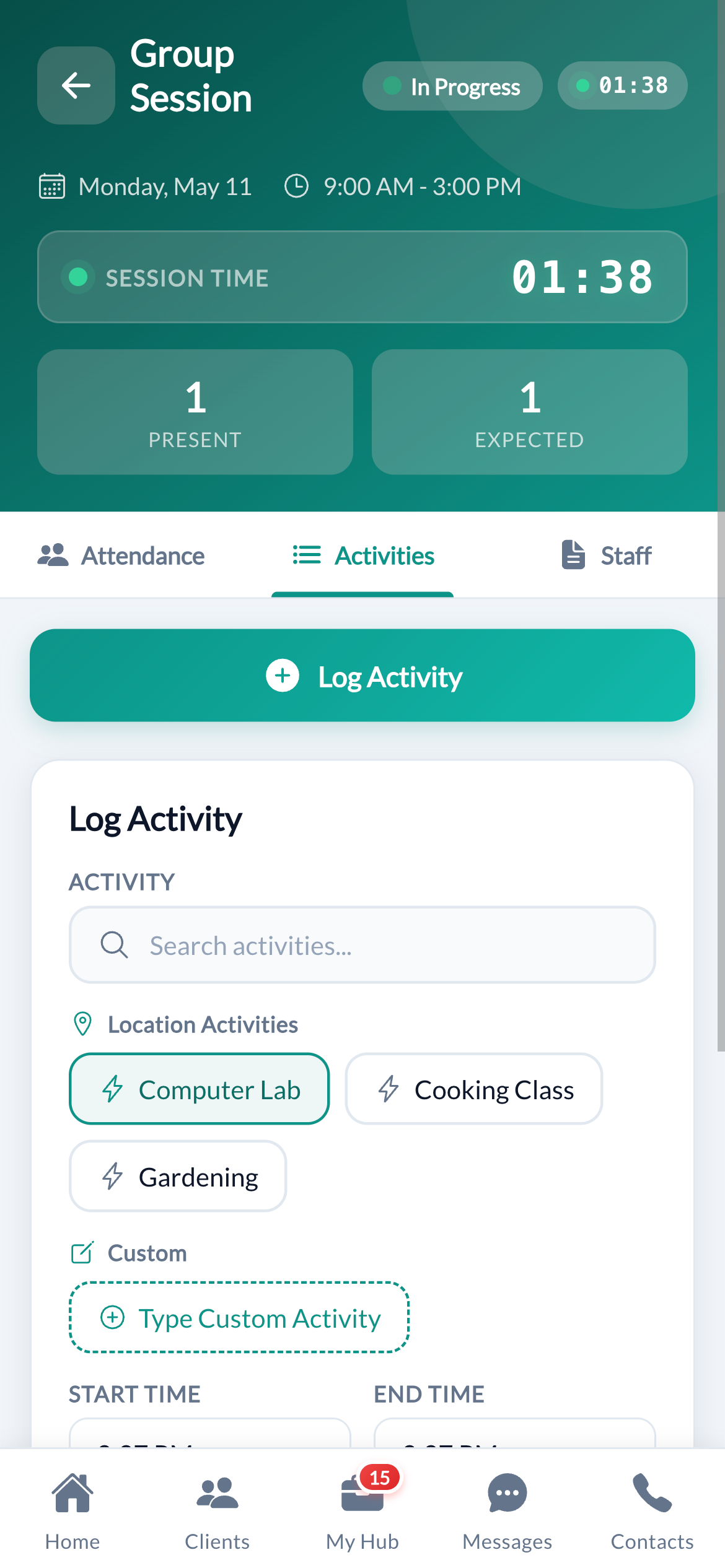
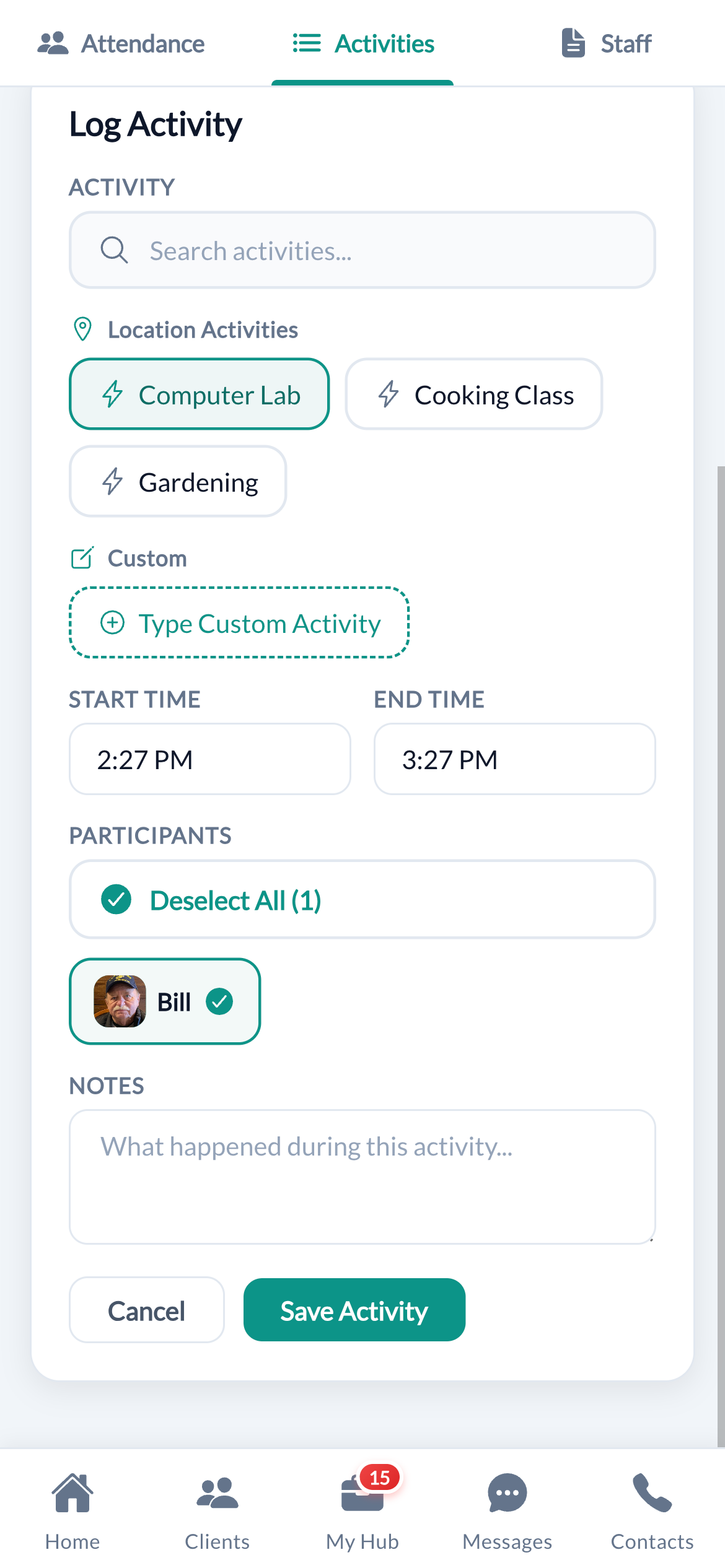
Log a group activity once, select participants, add a note, save. Cura OS creates the documentation record for each client automatically. No copying, no repeating.
Individual access within the group
Tap any client inside the session to add a personal note, view their goals, or file an incident report. The group view and individual view work together seamlessly.
No Disruption
Your scheduling and billing stay exactly the same
Day Program clients are scheduled the same way as any other service. Cura OS groups them automatically in the background. Billing pulls from the same data it always has. Nothing downstream changes, only the documentation experience for your DSPs.
Scheduling stays the same
Schedule Day Program clients the same way you schedule everything else. Cura OS identifies and groups them automatically.
Billing is unaffected
Billing pulls from the same underlying data it always has. The group session model changes how data is entered, not what data exists.
Per-client records are still created
Every client still gets their own documentation record, progress notes, and incident reports. They're just generated more efficiently.
EVV compliance maintained
Where EVV is required for Day Program, check-in and check-out are captured at the session level and tied to each client.
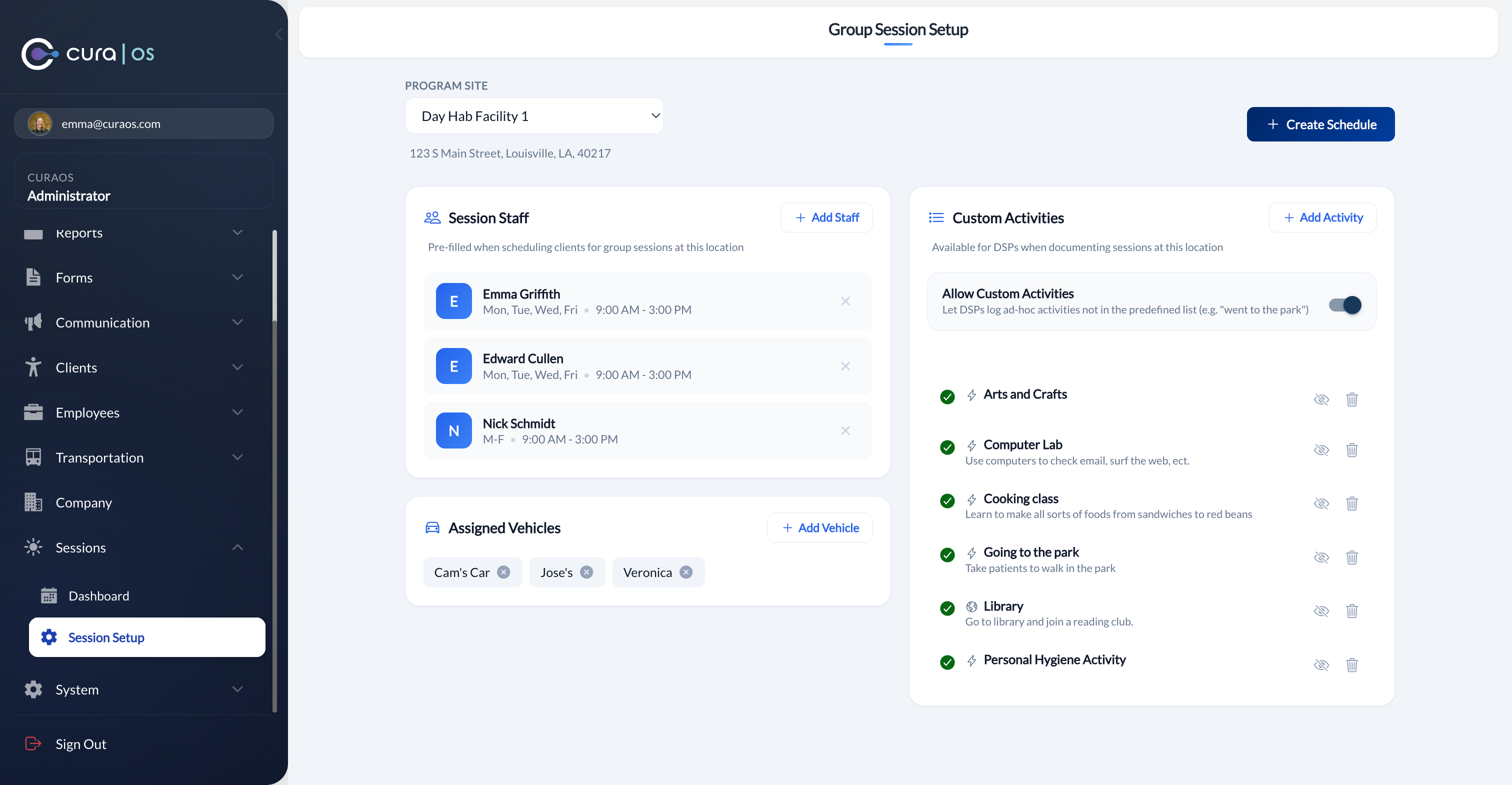
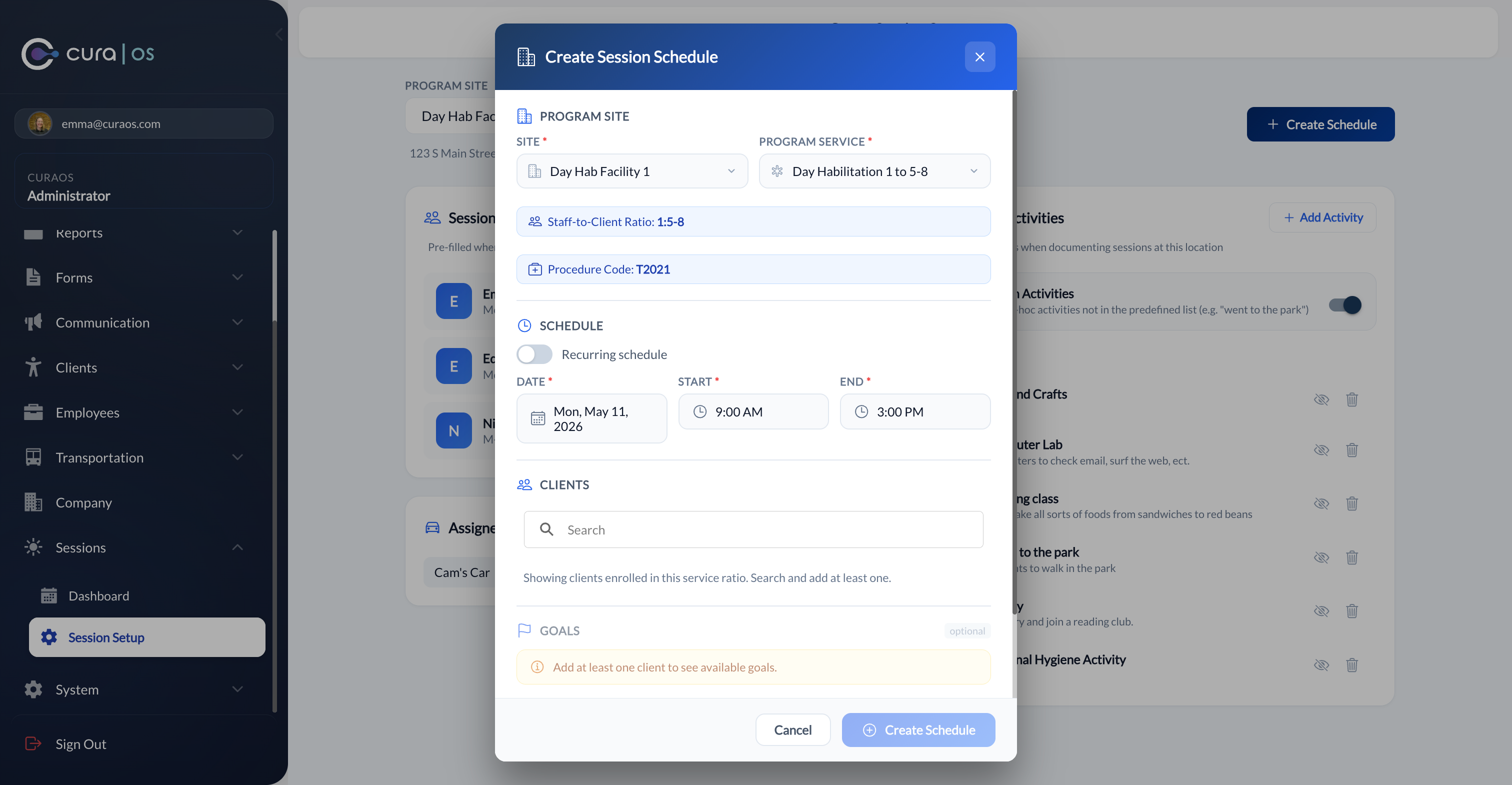
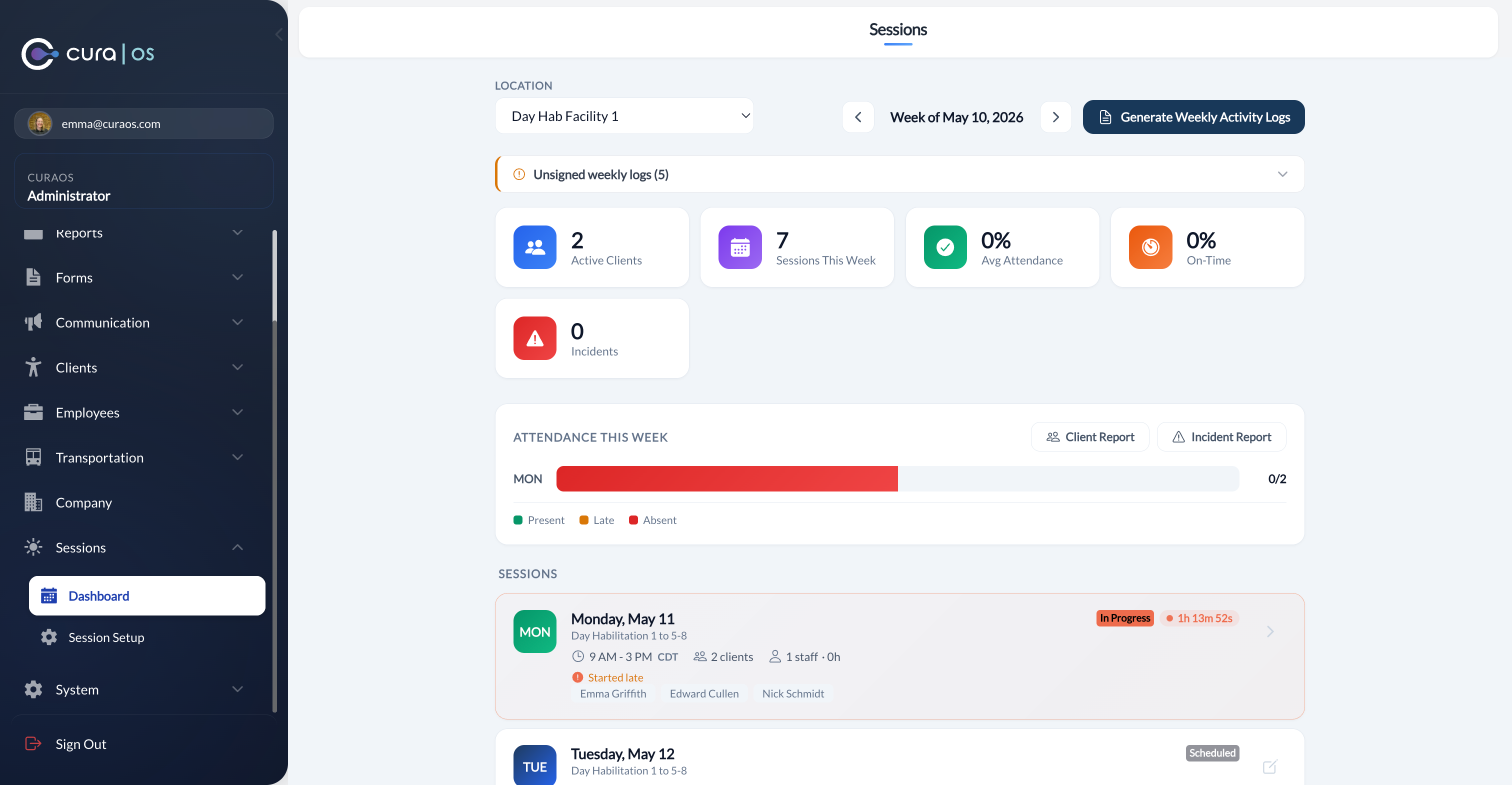
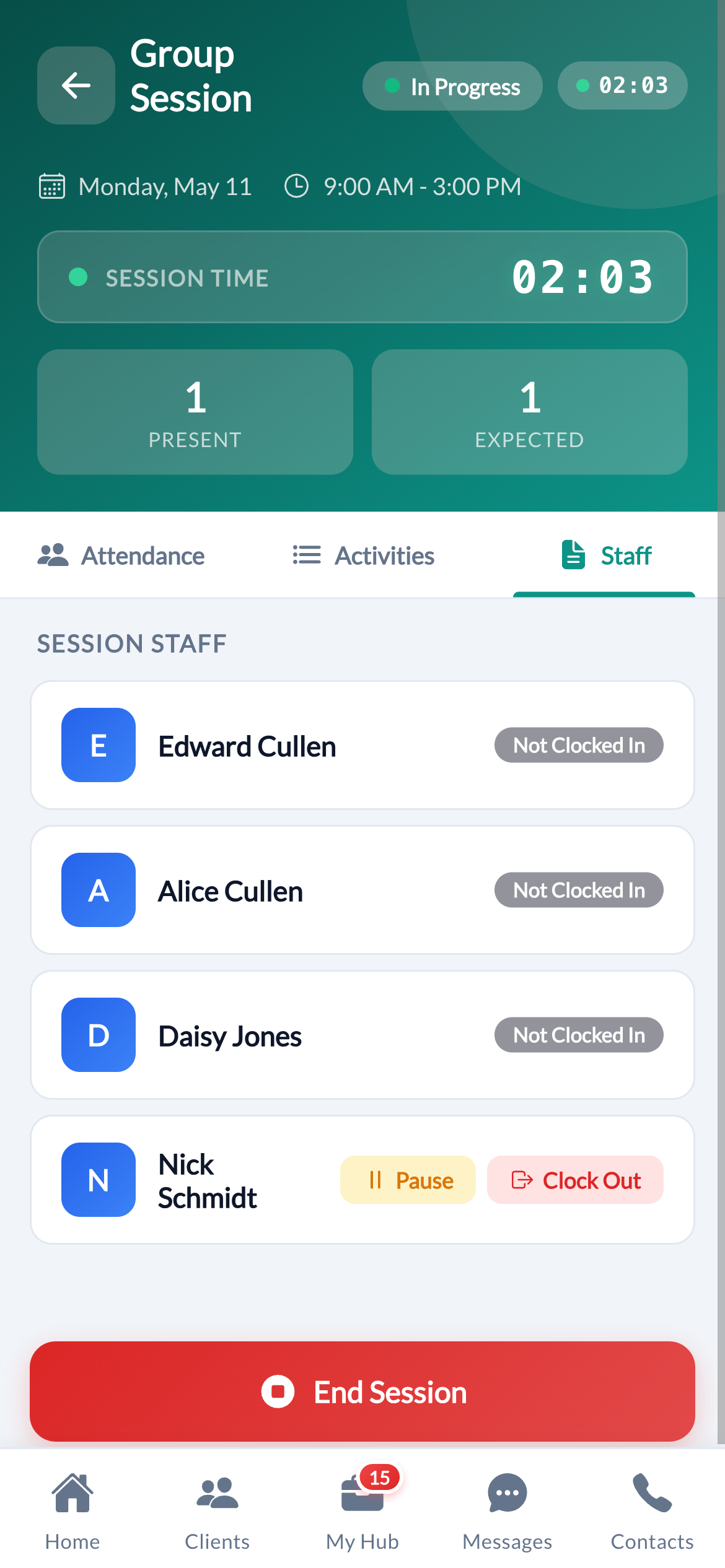
Session Setup, configure staff, activities & vehicles
Multi-State Ready
Works with your state's naming and billing codes
The service is called something different in nearly every state. Cura OS configures program names and billing codes per state, so your DSPs see the right terminology and your billing goes out with the right procedure codes, without any code changes on your end.
Louisiana
Day Habilitation
H2015
Ohio
Adult Day Support
T2021
Texas
Day Habilitation
H2014
Florida
Adult Day Training
Various
New York
Day Habilitation
H2012
California
Adult Day Program
T2021
Configurable in all 50 states
Common Questions
See how Day Program documentation works in Cura OS
Get a walkthrough tailored to your agency's group services setup.